
The attacker's source code
Crimson7 builds C7ATTACK, so we know what each technique leaves behind: every process, registry change, network call and log event. We're building that into the investigator, so it reasons from how an attack is built.
Why not build it yourself
You could. Connect a large language model to your SIEM, give it a prompt and a few tools, and by Sunday it triages alerts. It also sounds sure of itself when it's wrong. It knows only what the public internet taught it, and attackers read the same internet.
Crimson7 builds C7ATTACK, so we know what each technique leaves behind: every process, registry change, network call and log event. We're building that into the investigator, so it reasons from how an attack is built.
8,000+ hunt queries and 80+ investigation runbooks, mapped to MITRE ATT&CK. A person wrote and reviewed each query before any model ran it.
Our red team gets past the same EDR and SIEM products you run. We're building what they know about missed techniques and dropped telemetry into the investigator, so it looks harder when the sensor stays quiet.
The weekend version has a model. C7DEFEND has what an attack team knows.
Verification
A model on its own fills gaps with confident guesses. In C7DEFEND, every conclusion passes independent checks before it reaches your analyst.
For SOC leads
When an alert arrives, C7DEFEND investigates it in your SIEM and EDR telemetry, where it already lives, and returns:
ALR-2291 Word macro launched encoded PowerShell
True positiveHigh confidence
invoice_0923.docm opened from an email attachment Q1powershell.exe -enc Q2Q1File events
file.name = "invoice_0923.docm"host = "fin-lt-042"1 row · 09:14:02
Q2Process events
parent = "winword.exe"child = "powershell.exe"args contains "-enc"1 row · first seen in 90 days
Q3Network events
host = "fin-lt-042"domain.first_seen = today2 rows
fin-lt-042.j.peeters.Decision needed: approve isolating fin-lt-042?
Example report. Queries are shown in a neutral form; reports use your SIEM or EDR's own query language.
Control
C7DEFEND triages every alert the moment it arrives, around the clock. Your analysts open the queue to finished investigations, approve or override each verdict, and C7DEFEND records who decided.
An alert means something different on a build server than on the CFO's laptop. Connect your CMDB, and the investigator knows what each host is, who owns it and how critical it is. Next to it sits a knowledge base about your environment: the service accounts that run scripts at night, the admin tools your team approved.
C7DEFEND also reads the ticketing system you already use. If a pentest is planned or a change window is open, the investigator finds the ticket and weighs it. The alert is still investigated, and your analyst decides with the full picture.
Beyond triage
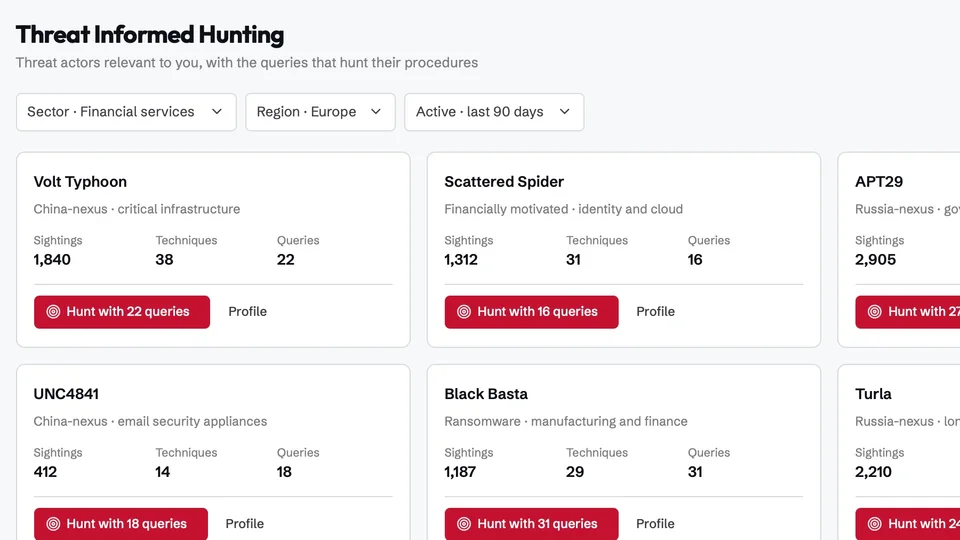
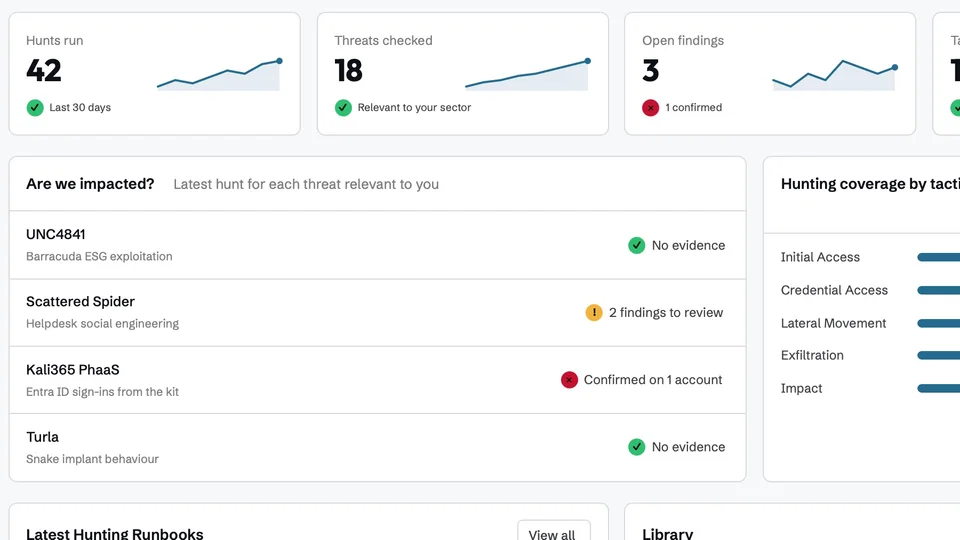
Many AI SOCs see only what your EDR raises. C7DEFEND also hunts proactively, from every attack in C7ATTACK and from current Cyber Threat Intelligence, so the hunt for a new technique starts before anyone writes a detection rule.
When an investigation turns up a suspicious file, C7DEFEND reverse-engineers it and detonates it in a sandbox. The file is judged on its real behaviour, not on whether its hash is already known.
Proof of Value
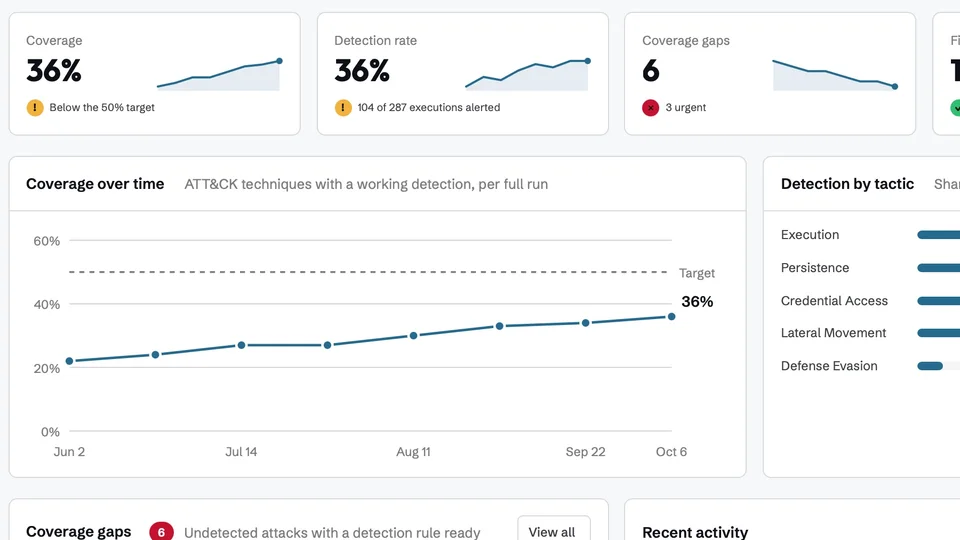
For 30 days, C7DEFEND investigates the same alerts your team handles. It changes nothing and closes nothing. Then it compares its conclusions with your analysts' decisions, week by week and rule by rule.
That last group is where the comparison pays off. In every Proof of Value so far, C7DEFEND has found things the analysts missed: a rare binary on one host, a sign-in that broke the baseline, a duplicate that turned out to be a pattern. The accuracy figure behind your decision comes from your own SOC, not from a vendor's test set.
Deployment
C7DEFEND works with the SIEM and EDR you already run. You build no new log pipeline, and no copy of your telemetry sits in someone else's data lake.
It queries your SIEM and EDR, and network, firewall, proxy or identity platforms directly when their logs never reach the SIEM.
Run it as SaaS, or customer-hosted in your own cloud or data centre as a single-tenant stack.
Every tenant gets its own database.
Runs fully on open-weight models you host, with triage quality on par with frontier models.
Connect Anthropic or any OpenAI-compatible endpoint with your own key, including Azure OpenAI.
On your own hardware, more alerts, hunts and questions don't raise the bill.
Your data is not used to train models.
Crimson7 is based in Belgium, which matters when NIS2 and DORA ask where your security data goes.
FAQ
It's C7DEFEND's AI investigator. It triages every alert the moment it arrives, queries your own SIEM and EDR telemetry, and returns a verdict with a confidence level, a timeline, recommended actions and the query behind every piece of evidence.
No. Your analysts open the queue to finished investigations instead of raw alerts, and approve or override each verdict. C7DEFEND records who decided. Automatic response is off until you switch it on, and on the assets you exclude it only recommends the action.
Every piece of evidence cites the query that produced it, and a query that failed can't be cited. The report shows each query, so your analysts can run it in their own SIEM or EDR console and see the same rows.
No. C7DEFEND works with the SIEM and EDR you already run and queries them where the data lives. When network detection, firewall, proxy or identity platforms keep their own logs, it queries those platforms directly through their integrations.
C7DEFEND runs as SaaS or customer-hosted, as a single-tenant stack with its own database. It runs on open-weight models you host, or on Anthropic or any OpenAI-compatible endpoint with your own key, including Azure OpenAI. Your data is not used to train models.
For 30 days, C7DEFEND investigates the same alerts as your team in read-only mode. It changes nothing and closes nothing. At the end, it compares its verdicts with your analysts' decisions, week by week and rule by rule. The Proof of Value is free and credited toward your first licence.
Proof of Value
Run C7DEFEND read-only on your own alerts for 30 days, free, with the Crimson7 team. See the queries, the evidence and what your analysts missed before you decide. The Proof of Value is credited toward your first licence.